The scan is free · clearing is a one-time payment
See what your Mac can give back, before you pay a thing.
AmpleCapacity finds the files on your Mac that your own tools can make again: build caches, container disks, model weights. It explains every one of them in plain words, and moves nothing you have not agreed to. You pay only if you want it to clear what it found.
Scan this Mac and read every result without an account or a card. When you want it to clear what it found, the app offers a licence: $49.99 for Developer, $24.99 for Everyday. One payment, no subscription.
Download it
Download for Mac · 6 MBHad the free test build? It stopped on 7 October. Download this one; the published test key does not unlock it.
Nothing is ever deleted outright: anything you clear goes to a vault and comes back for seven days. See pricing.
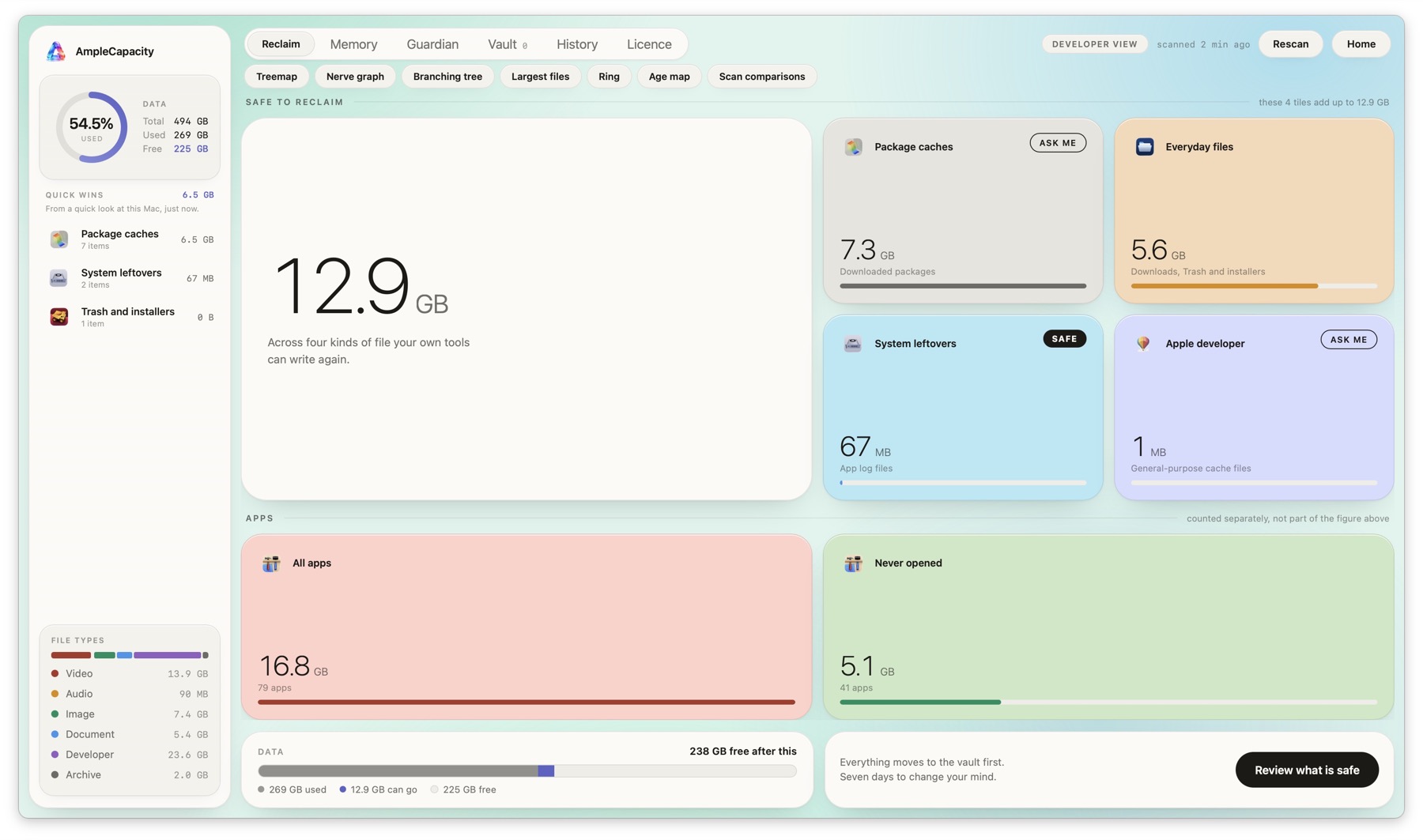
A real scan, on a real Mac. Nothing here is a mock-up.
What you pay for
Looking costs nothing. Clearing is what the licence is for.
One payment, no subscription
$49.99 for Developer, covering three Macs you own. $24.99 for Everyday, covering five devices in your household. Pay once. There is no trial that quietly becomes a bill.
Your results are yours
The scan reads and nothing else. Anything you choose to clear goes to a vault and can be put back. The app never sends anything about your files anywhere.
Tell us what it got wrong
If it ever offers something it should have left alone, write to us with a screenshot. That single answer is worth more to us than any other.
Look first, then decide
All sales are final, which is why the scan is free and complete: it shows you exactly what the app would clear on your Mac before you spend anything.
Download and open it
Unzip, drag it to Applications, open it from there.
Scan
macOS asks for disk access. The scan only reads, and it says so before it asks.
Buy, if it is worth it
A panel appears after the results. Pay there, then paste the key from your confirmation email.
Tell me what it got wrong
Especially anything it offered that it should have left alone.
Where to write
Everything goes to one address: hello@amplecapacity.com.
Questions before you buy, licence keys, billing, or a file it offered that it should not have — all of it. A person reads that address.